

Learning path
Online manager
ઓનલાઇન મેનેજરऑनलाइन मैनेजर
Website orders, returns and reviews, the website itself, WhatsApp and the marketplaces. The website and marketplaces come with the Standard and Pro plans.
- 28 lessons
- 5 parts
- A picture card for every lesson
Learn it inside your shop
In VASAH, Learning → My learning keeps your place in this path, gives you its short quiz and, at the end, your certificate.
Lesson 1: Confirm a guest COD order by phone before packingThe lessons, in order
Every lesson is open — start with any one.
Part 1Orders
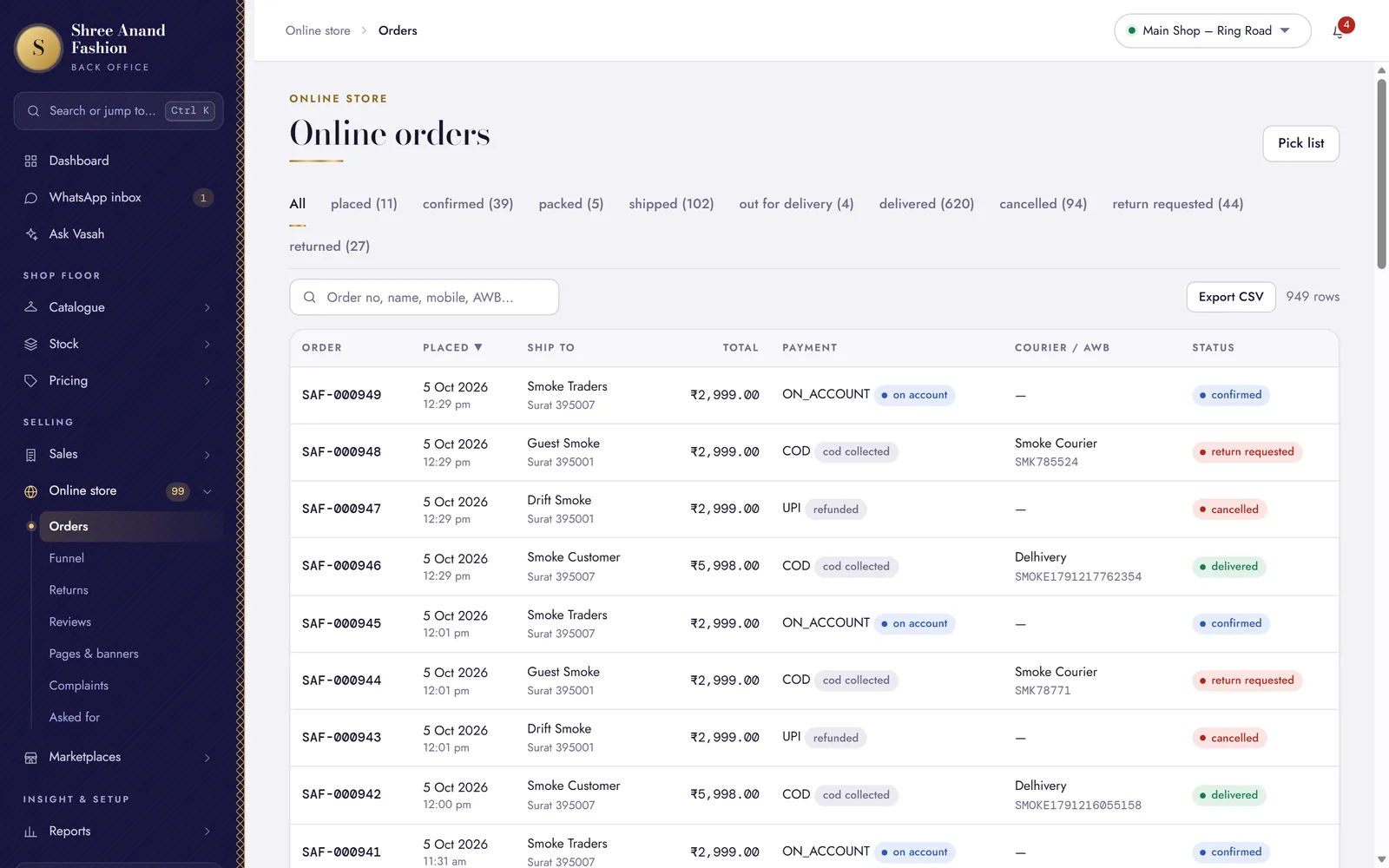 Lesson 1: Confirm a guest COD order by phone before packingA guest's number is not checked, so their cash-on-delivery order waits for your call.
- Lesson 2: Accept, pack (scan each piece) and hand an order to the courier with the AWBEvery piece is scanned into the parcel, so the wrong size never goes out.
- Lesson 3: Print the invoice and parcel slipA slip inside the box, a label on it, and the tax invoice.
- Lesson 4: Mark deliveredClose the order once the courier delivers — cash on delivery then counts as paid.
- Lesson 5: Cancel an order and refundBefore it is shipped: the stock comes back and the money goes back the way it came.
Part 2Returns and reviews
- Lesson 6: Approve or decline a return requestCustomers ask on the website; you decide, and they are told.
- Lesson 7: Receive a return, inspect, restock or mark damaged, refundEvery piece that comes back is checked before any money goes out.
- Lesson 8: Moderate reviewsA review shows on the website only after you approve it.
- Lesson 9: Set when review requests are sent and print review cards with your Google review linkAnyone here can print the cards; the days and the Google link need an owner's or store manager's login.
Part 3The website
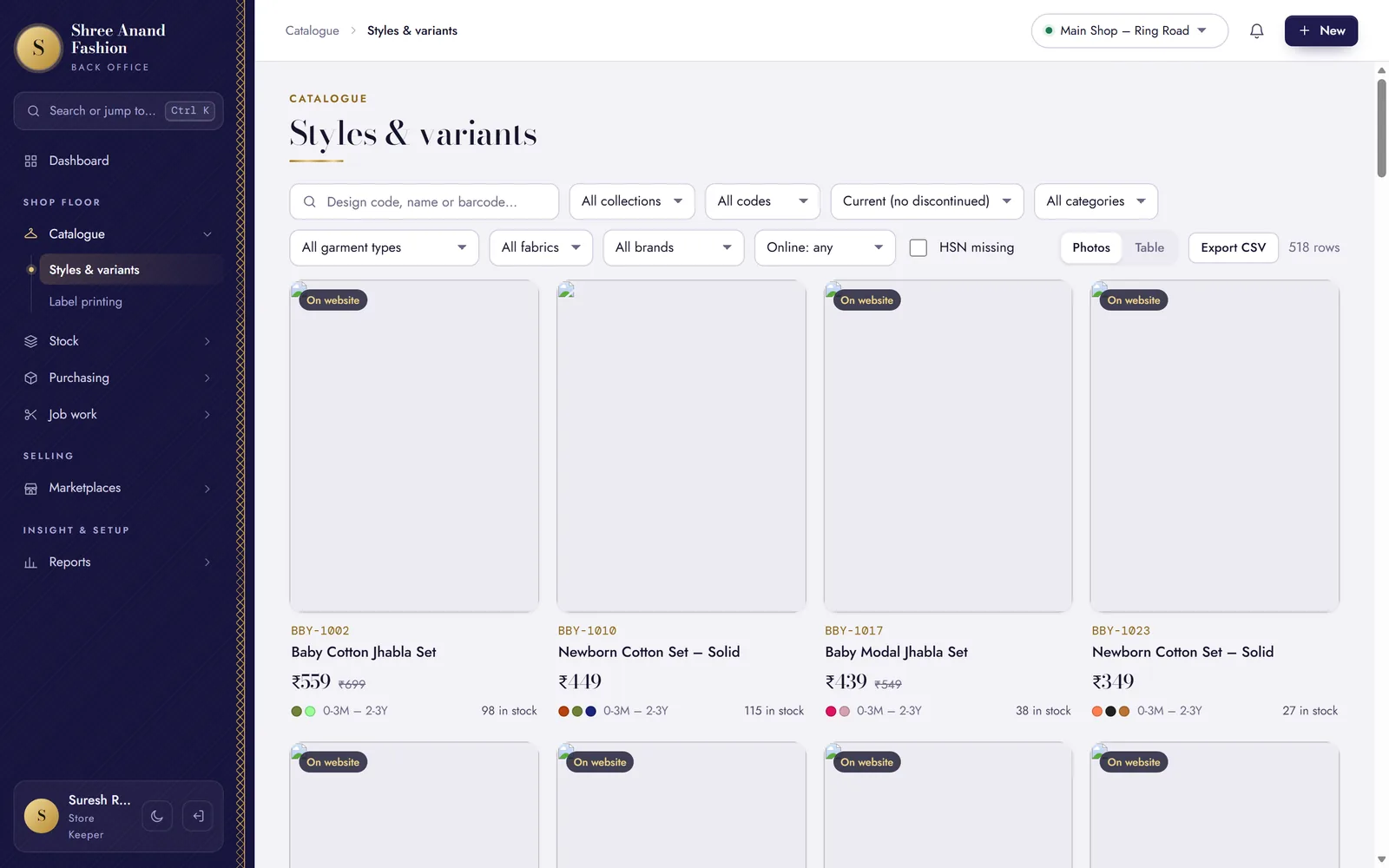 Lesson 10: Publish a style online with an online price (needs photo and declarations)The website shows a style only with a photo, the packer's details and stock to sell.
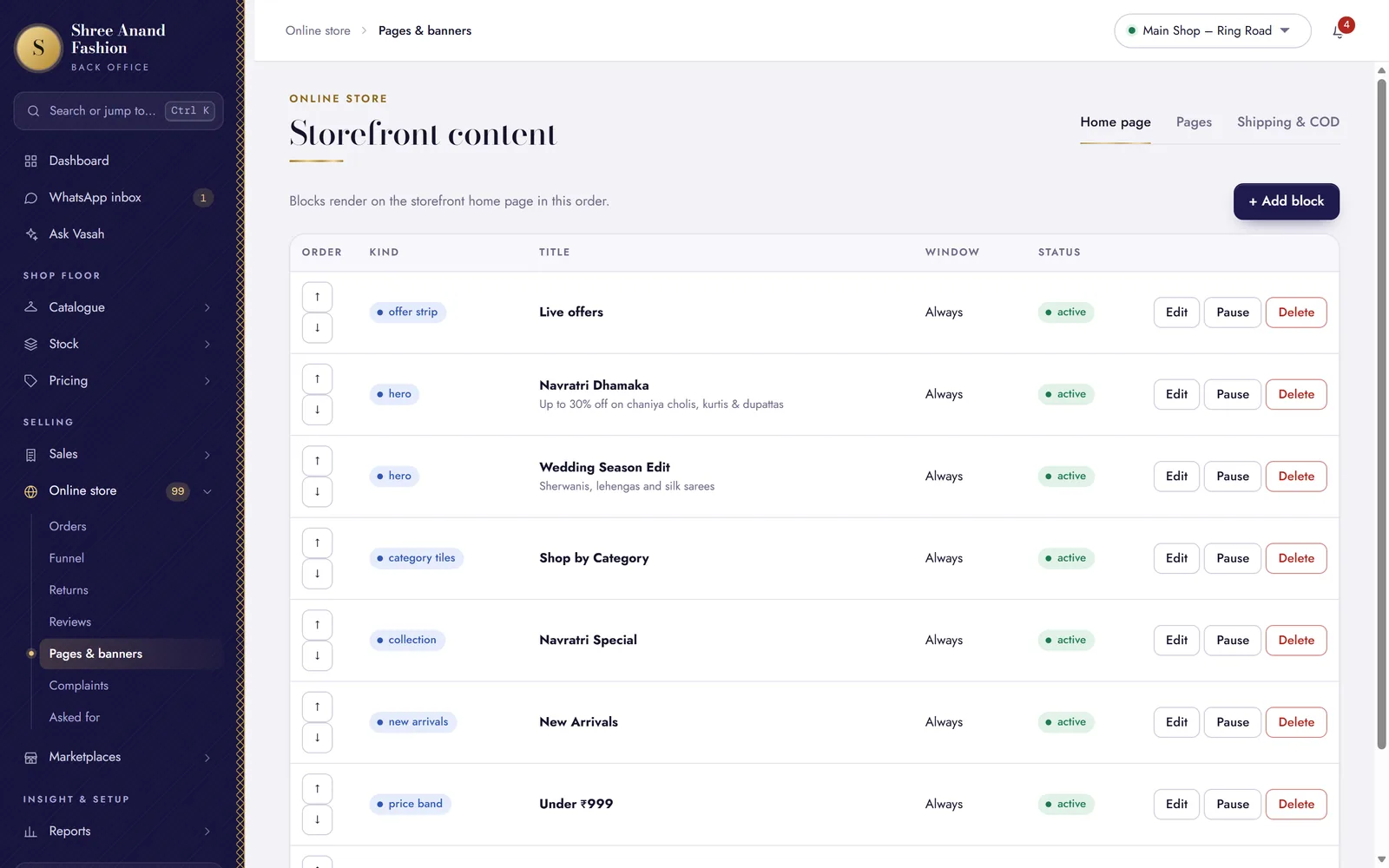 Lesson 11: Edit home page banners and sectionsWhat the website's first page shows, in what order, and on which dates.
- Lesson 12: Create a collection and feature itThe first four featured collections are the website's top menu. Needs an owner's or store manager's login.
- Lesson 13: Edit a policy pageChange a page's words by hand — and know when drafting from settings replaces them.
- Lesson 14: Set COD rules and the PIN codes you deliver toWhen cash on delivery is offered, and where you deliver.
- Lesson 15: Read the funnel by traffic sourceWhere visitors came from, and how many went on to buy.
Part 4WhatsApp and customers
- Lesson 16: Answer a customer in the WhatsApp inbox inside 24 hoursWhatsApp lets you type freely for 24 hours after the customer's last message.
- Lesson 17: Send an approved message after 24 hoursWhen the customer last wrote more than 24 hours ago, WhatsApp takes only a message Meta approved — with every value filled in.
- Lesson 19: Send a campaign to customers who agreedOne approved WhatsApp offer, only to customers who agreed to offers — the online manager writes and sends it too.
- Lesson 20: Share a piece or collection with a customerThe shop's own page and the price they will pay, in a WhatsApp message — only to a customer who agreed to offers.
- Lesson 21: Work the Asked for list and tell customers when a piece arrivesWhat people asked for and could not buy — and who wants to hear when it comes.
- Lesson 22: Approve a retailer's trade accountA retailer applied on your website with their GSTIN: approve them, and they buy at trade prices with the credit you give.
- Lesson 23: Handle a complaint on time (acknowledge, wait, answer)Registering a complaint acknowledges it; the answer is due by the date the shop promised.
Part 5Marketplaces
- Lesson 24: List designs and import a SKU mapWhich pieces you sell on each marketplace, under which SKU. Needs an owner's or store manager's login.
- Lesson 25: Record a marketplace orderRecord it the moment it arrives, so the counter cannot sell the same piece.
- Lesson 26: Mark dispatched with the marketplace invoice numberThe sale is recorded under the marketplace's invoice number — never one of yours.
- Lesson 27: Download the stock sheet and mark updatedKeep each marketplace's quantities right, so it never sells what you no longer have.
- Lesson 28: Record a return or RTOGoods back from a marketplace, with its credit note number, into stock or the damaged bin.