

Learning path
Start here
અહીંથી શરૂ કરોयहाँ से शुरू करें
Thirty minutes for everyone in the shop: getting in, finding your way, keeping your login safe.
- 13 lessons
- 3 parts
- A picture card for every lesson
Learn it inside your shop
In VASAH, Learning → My learning keeps your place in this path, gives you its short quiz and, at the end, your certificate.
Lesson 1: Sign in with email or mobile and passwordThe lessons, in order
Every lesson is open — start with any one.
Part 1Getting in
- Lesson 1: Sign in with email or mobile and passwordOne login opens your shop's back office and its counter.
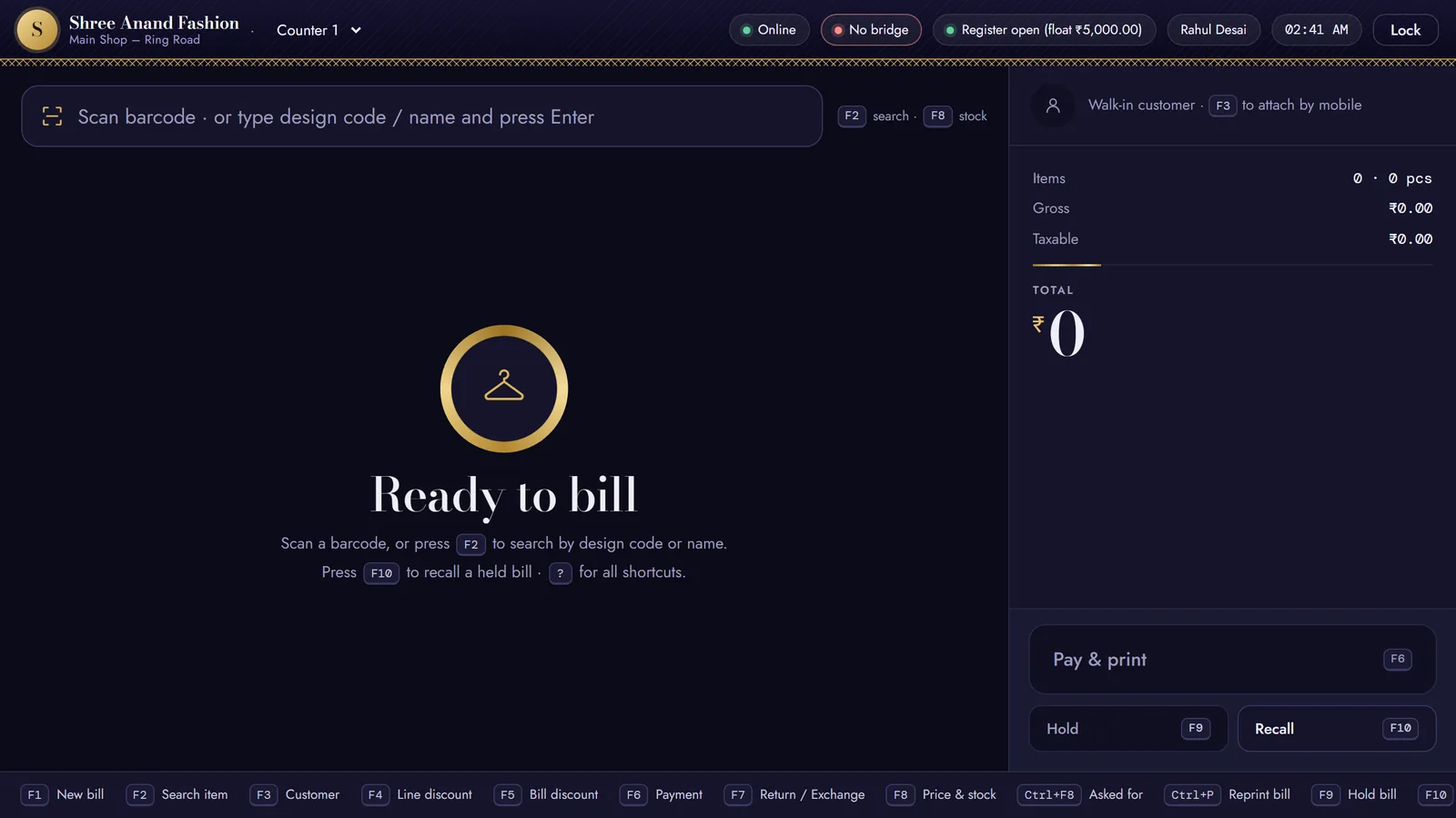 Lesson 2: Sign in with a one-time codeAt the counter, sign in with a code sent to your mobile instead of your password.
- Lesson 3: Choose a new password the first time you sign inSwap the temporary password you were given for one only you know.
- Lesson 4: Reset a forgotten password with Forgot your password?A code to your mobile proves it is you; then you choose a new password.
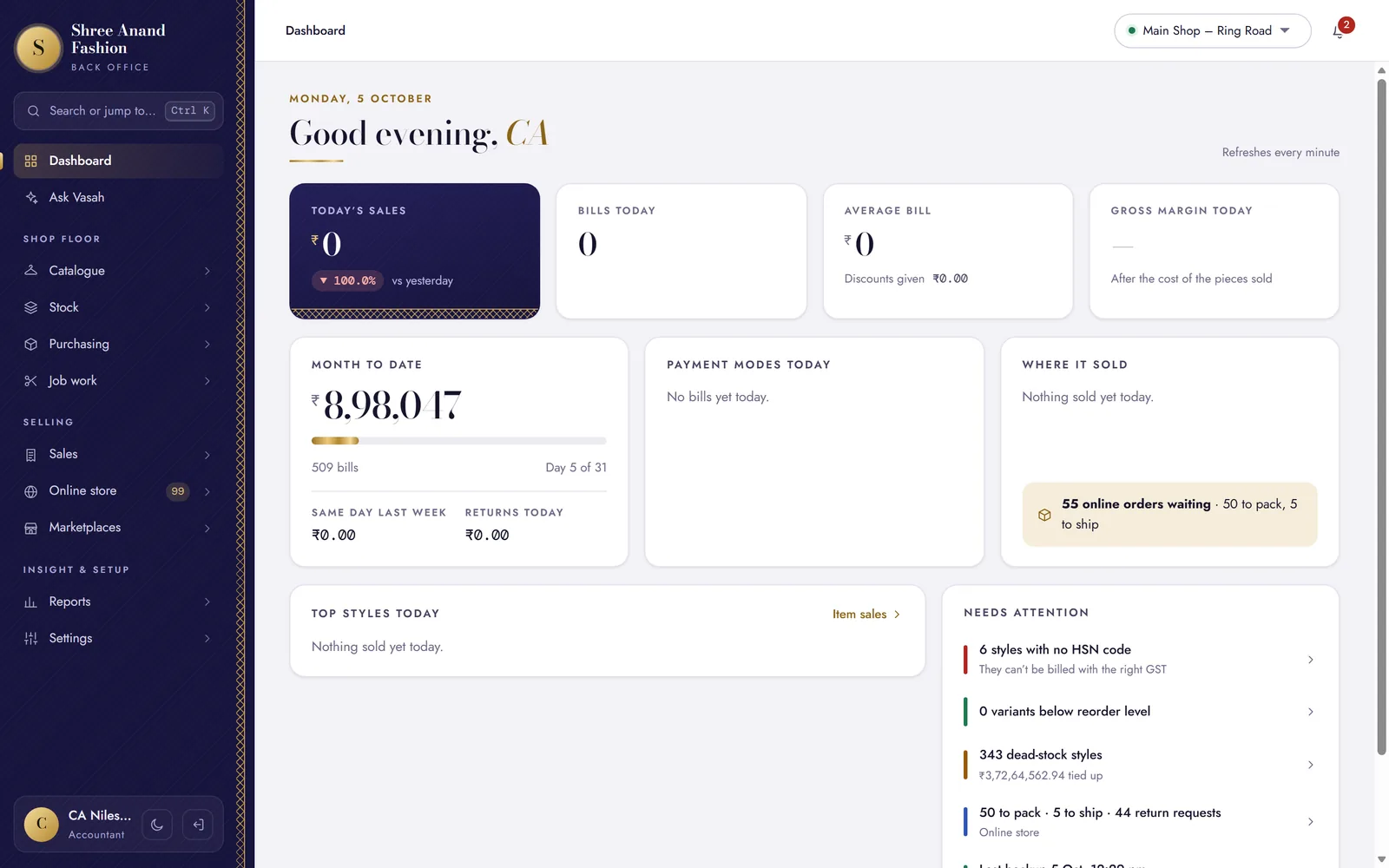
Part 2Finding your way
- Lesson 6: Use the menu and see only what your role allowsThe menu shows the screens your job needs, and nothing else.
- Lesson 7: Jump to any screen with Ctrl KType a few letters to open a screen, a style, a customer or a bill.
- Lesson 8: Read the bell and the count badgesWhat is waiting on someone, in one list, with a way straight to it.
- Lesson 9: Learn on WhatsAppThe same lessons on your phone: write learn to the shop's WhatsApp number from your own mobile.
- Lesson 10: Switch dark mode on or offA dark back office for the evening, easier on the eyes.
Part 3Your own security
- Lesson 11: Set your own counter PINYour PIN unlocks the counter for you and, for a manager, approves at the till.
- Lesson 12: Turn on two-factor for your loginA code from an app on your phone, after the password — owners and store managers are asked to use it.
- Lesson 13: Why every person has their own login (the audit log)Every bill and change carries the name of who made it — so a login is never shared.