
Customers & WhatsApp
Your customers, on the app they already use.
Bills, order updates and replies on WhatsApp — and every customer's bills, dues and choices in one place. Offers go only to the customers who said yes.
Messages on every plan; campaigns on Standard and Pro · Through your own MSG91 account, at MSG91's rates
- Bills on WhatsApp
- With paper, or instead of it
- 24 hours
- To reply freely after a customer writes
- Only with a yes
- Offers go to customers who agreed
- 9 pm – 9 am
- Campaigns wait for the morning
One customer, one season
From one bill to the next visit.
What WhatsApp does for a shop, in the order it usually happens.
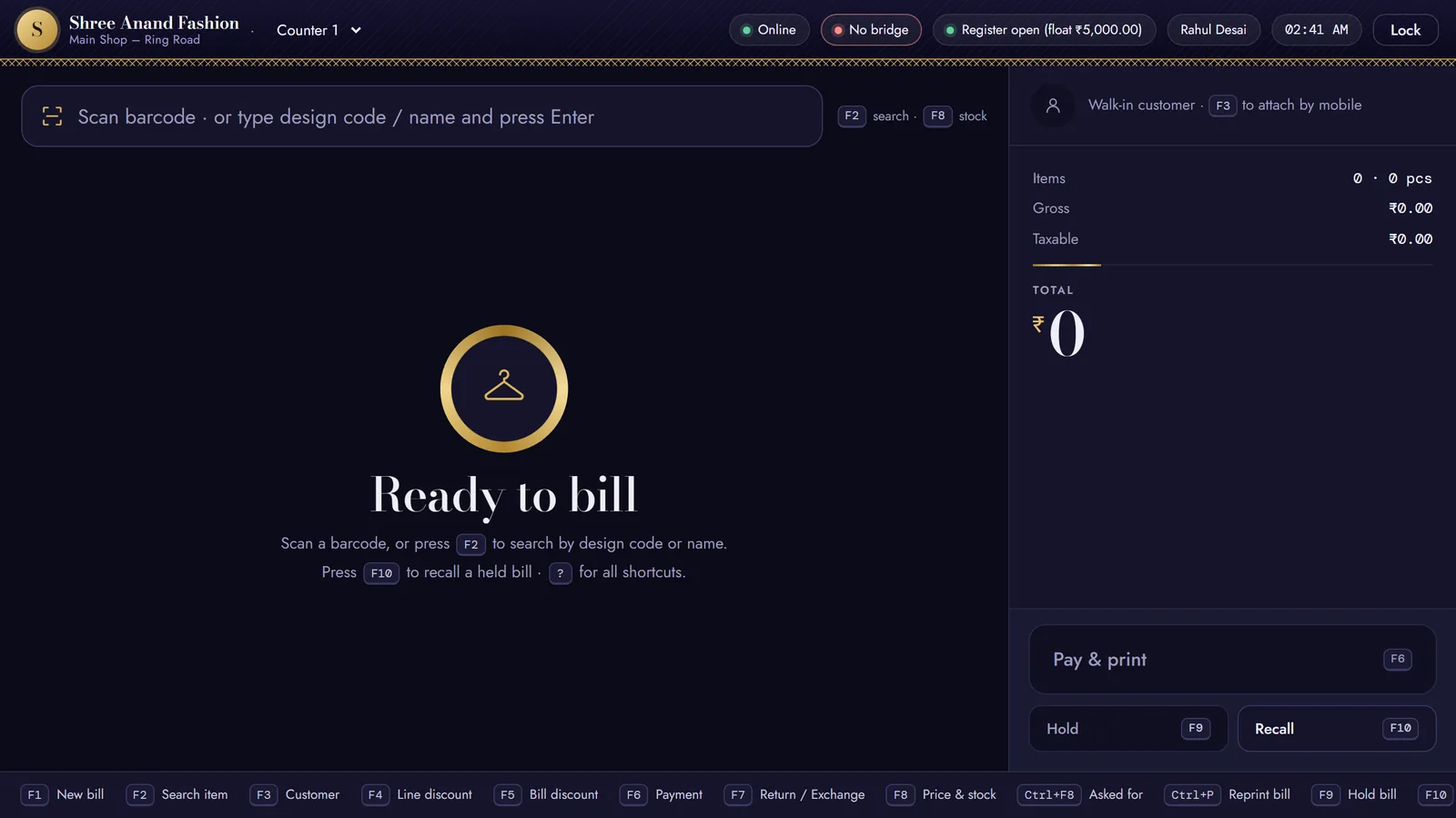
- F3
The bill goes on WhatsApp
Put the customer's mobile on the bill with F3. With bills on WhatsApp switched on, the GST bill reaches them as soon as it is saved.
Bill sent on WhatsApp They write back
Their reply lands in the back office inbox, with their bills beside it. For 24 hours your team can write freely.
Waiting for a reply21 hours left to reply- Ctrl+F8
The piece they asked for comes in
What they wanted and you didn't have is on the Asked for list. When it arrives, the list says so, and the message is ready to send.
Asked forKurti set · XLnow in stock — tell them Your next offer
A festive campaign goes only to customers who agreed to offers — never between 9 pm and 9 am, and never twice in a week.
OFFER740 will get this
Customers
Every customer, their bills and their choices.
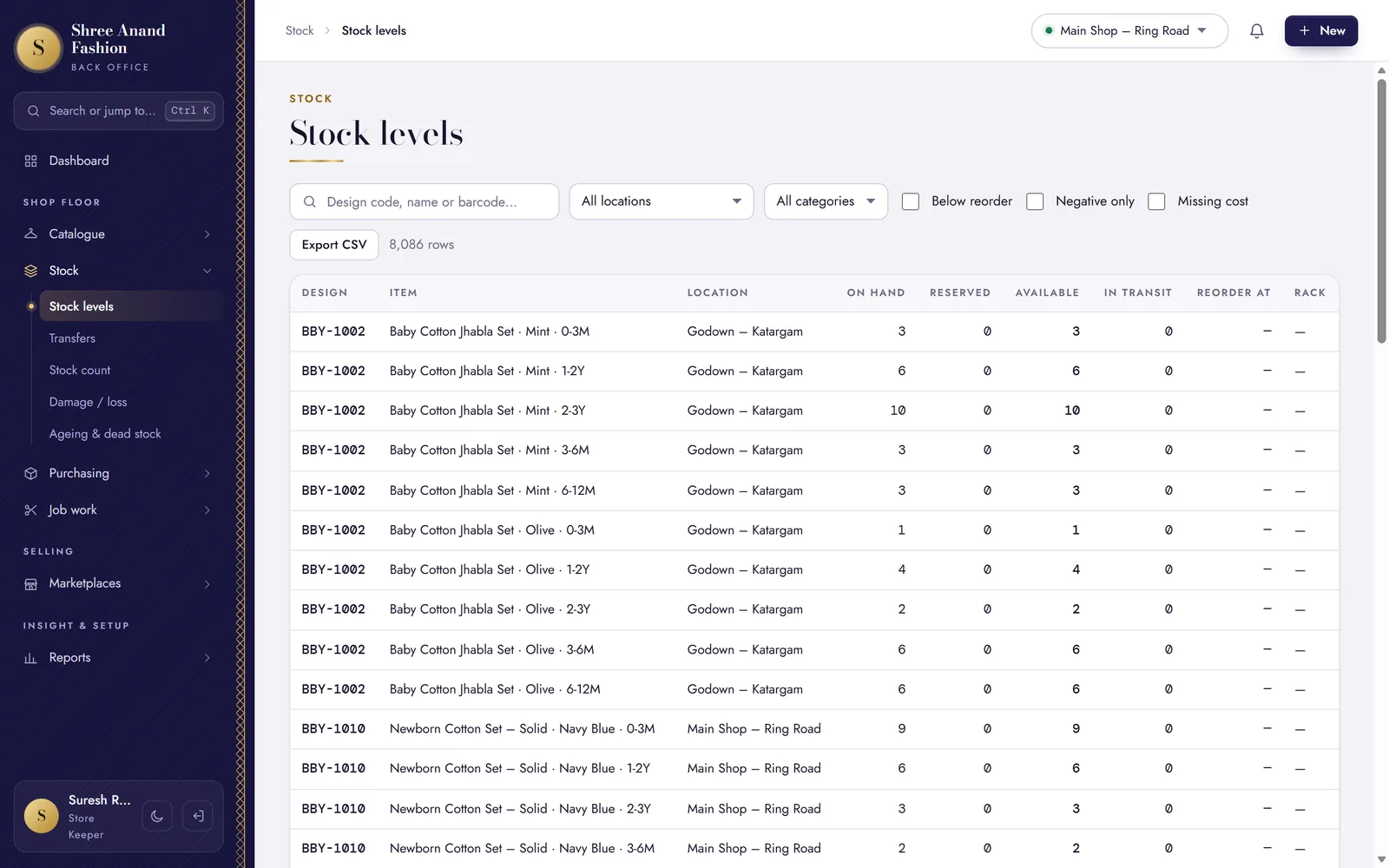
One page per customer in the back office, and every change on the audit log.
Every customer, one page
Bills, lifetime spend, what they owe and the sizes they buy — on one page.
Udhaar with limits
A credit limit and days for each customer; their receipts settle the oldest bills first.
Reminders about dues
Remind a customer of what they owe on WhatsApp, in words you can change before sending.
Store credit and vouchers
Store credit from returns, and gift vouchers sold for weddings and festivals, spent on later bills.
Their choice, recorded
Agreement to offers is kept with when and where it was given. A reply of STOP switches offers off at once.
Their data, on request
Export a customer's data, or erase their personal details while the tax invoices stay — as the DPDP Act asks.
The inbox
Every reply in one inbox, with the customer beside it.
Customers' WhatsApp messages come into the back office. Your team sees their bills, what they owe and their open orders as they answer — and how long is left to write freely.
- Saved replies for the answers you give every day
- After 24 hours, only an approved message can go — the inbox says which
- A reminder under every reply: never ask for a card number, PIN or OTP in a chat
The inbox needs your WhatsApp number connected through MSG91, with its incoming messages pointed at your shop (Settings → Connections).
Drawn for this page · sample names
By themselves
The messages that go on their own.
Once your WhatsApp is connected and its message templates are approved by Meta, these go out without anyone pressing a button:
- The bill, when the customer's mobile is on it
- Website orders: placed, shipped, out for delivery, delivered or cancelled
- Return and complaint updates
- A review request a few days after delivery
- The owner's daily summary — bills, sales, dues and what needs a look
Drawn for this page · sample wording
Campaigns
Offers that reach only those who said yes.
Pick an approved offer message and choose who — visited in the last months, spent above an amount, a customer group or a tag. The preview says how many agreed to offers before anything goes.
- Nobody gets a second offer within seven days
- A batch started after 9 pm waits for 9 am
- On Standard and Pro
Drawn for this page · sample numbers
VASAH Academy
Learn customers and WhatsApp, one task at a time.
Lessons from the online manager's, the manager's and the owner's paths.
Short lessons, one task each, in English, ગુજરાતી and हिन्दी — with the steps written out and the keys to press.
Visit VASAH Academy- Reprint or WhatsApp a bill
- Answer a customer in the WhatsApp inbox inside 24 hours
- Use saved replies
- Send a campaign to customers who agreed
- Work the Asked for list and tell customers when a piece arrives
- Switch on the daily WhatsApp summary and choose its time and number
- Record a customer receipt against udhaar
- Set a customer's credit limit and days
- Remind a customer of money outstanding on WhatsApp
- Handle a customer's data request (export, erase, withdraw consent)
Works with
Where the messages come from.
Talk to your customers where they already are.
30 days free. Bring your own WhatsApp Business number through MSG91.