
Counter (POS)
Bill in seconds. GST done for you.
Scan the tag, take UPI, card or cash, and hand over a proper GST bill — printed, or on the customer's WhatsApp. Your staff work in English, ગુજરાતી or हिन्दी, and billing carries on when the internet drops.
On every plan · Runs in the browser; best on a Windows PC with a receipt printer
Paid · split two ways
- F1–F12
- A key for every step of the bill
- English · ગુજરાતી · हिन्दी
- The counter in your staff's language
- 58 · 80 · A4
- Thermal receipts or full-page GST bills
- UPI · Card · Cash
- Or one bill split across them
How a bill goes
Four steps from the tag to the bill.
The same four steps for every sale. Each has its own key, so practised hands bill without reaching for the mouse.
- F2
Scan or search
Scan the barcode on the tag. No tag? Press F2 and type the design code or the name.
KRT-1035Kurti set · Maroon · M₹1,599 - F3
Add the customer
Type their mobile number to put the bill in their name — or carry on as a walk-in.
+91 98XXX XX214Meera P. - F6
Take payment
UPI, card, cash — or one bill split across them. For UPI, a QR shows the exact amount.
UPI₹1,000Cash₹599Balance₹0 - F11F12
Print or WhatsApp
F11 saves and prints. F12 saves without paper — and the bill can go to the customer's WhatsApp.
Keyboard
A key for every step of the bill.
The keys are printed along the bottom of the counter screen, so new staff learn them by using them. Press ? at any time to see them all.
- F1New bill
- F2Search item
- F3Customer
- F4Line discount
- F5Bill discount
- F6Payment
- F7Return / Exchange
- F8Price & stock
- F9Hold bill
- F10Recall
- F11Save & print
- F12Save (no print)
- Ctrl+F8Asked for
- Ctrl+PReprint bill
- Ctrl+ROpen / close day
- Ctrl+LLock
- Ctrl+DDelete line
- ?Help
The counter's keys, named as the counter names them in this language.
The awkward moments
Returns, held bills and discounts — without a queue forming.
- F7
Returns and exchanges
Find the bill by its number, its QR or the customer's mobile. Take a piece back or swap a size in one go: the piece goes back on the shelf and the credit note is made for you.
Exchange on bill SAF/26-27/0398Kurti set · Maroon · M−₹1,599Kurti set · Maroon · L+₹1,599To pay₹0 - F9F10
Held bills
Customer gone to try another size? Hold the bill, serve the next person, and bring it back when they return.
On holdMeera P. · 3 pcs₹4,297Walk-in · 1 pcs₹899 - F4F5
Discounts with limits
A line or a bill discount, up to the limit you set for each person. Above it, a manager approves with their PIN.
Bill discount15%Above the 10% limit · needs a manager
When the internet drops
The line goes down. The counter keeps billing.
Bills are kept on the counter PC while the connection is away. When it comes back, they go up to the back office by themselves, in the order they were made, with their own bill numbers. Nothing to type in again.
- Scan, bill and print as usual
- The top bar shows how many bills are waiting
- They go up on their own when the line is back
Returns, reprints and opening or closing the day wait for the connection.
- 10:02OnlineBilling as usual.
- 10:14Offline · 3 bills waitingBills 0412, 0413 and 0414 are kept on this PC.
- 10:31Back online · 3 bills sentThey are in the back office, with the day's other bills.
Printing
Receipts, A4 bills and price tags — from the counter PC.
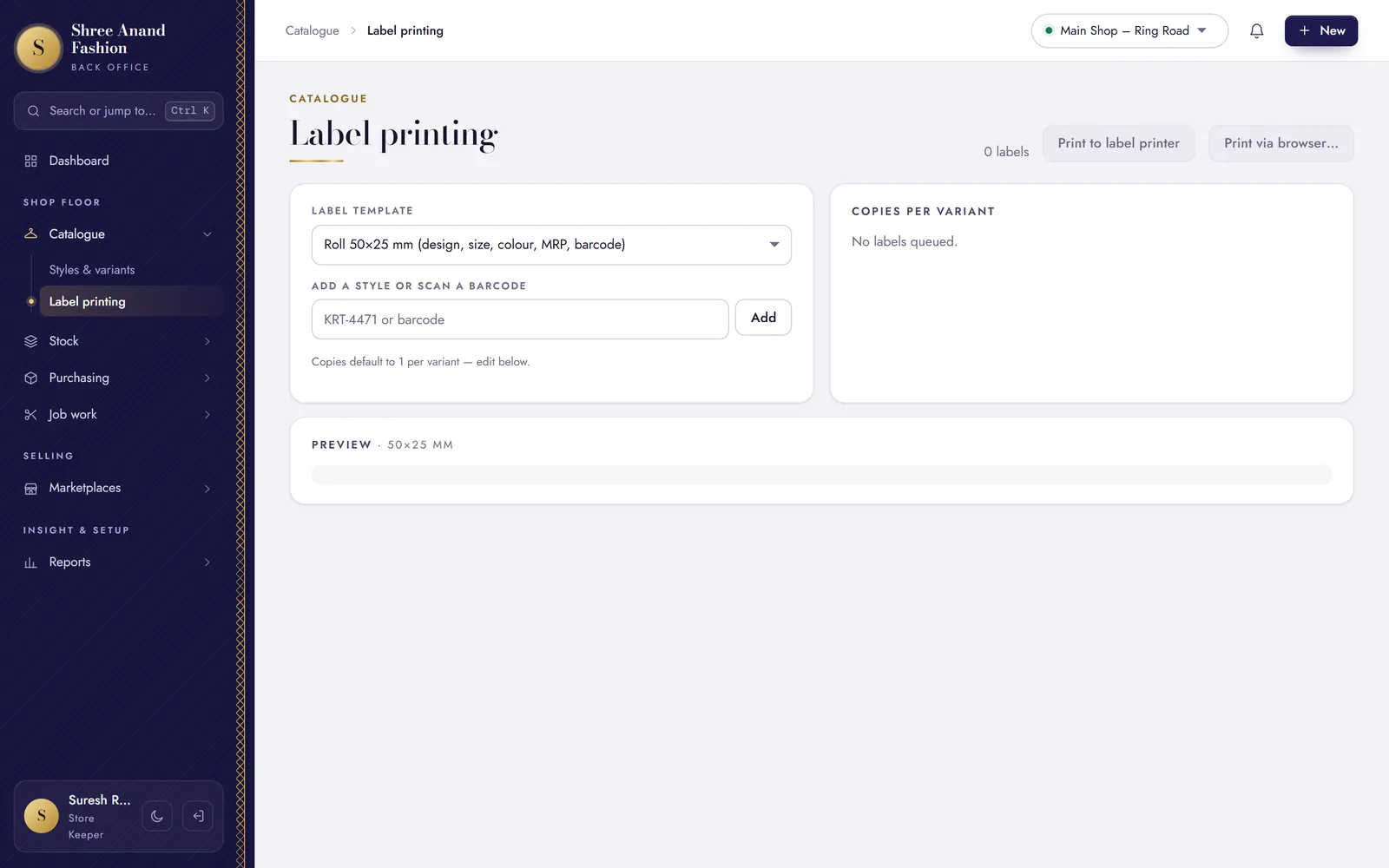
Install the VASAH print bridge on the counter PC once, and pair it from Settings → Counter PC. It prints receipts on 58 or 80 mm thermal paper, full A4 bills and 70×40 mm tags on a label printer, and opens the cash drawer.
Receipt · 58 or 80 mm thermal
Price tag · 70×40 mm, with the Legal Metrology details
GST bill · A4
Sample prints, drawn for this page. Bills can also go on WhatsApp instead of paper.
Three languages
The same counter, in the language your staff think in.
Each counter PC chooses English, Gujarati or Hindi on its sign-in screen. The buttons, the hints and the payment and return screens change their words; the keys stay where they were.
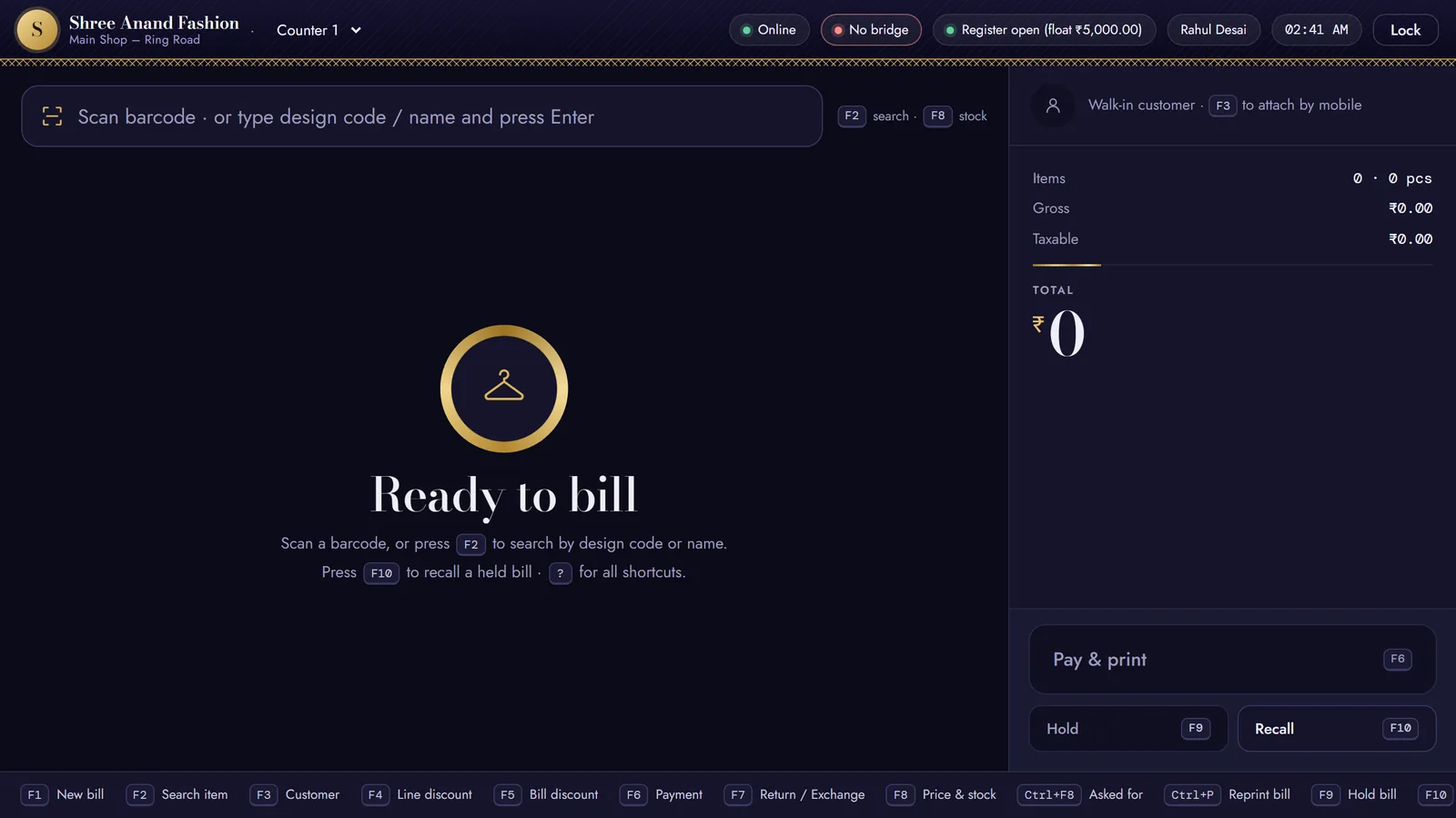
- Ready to billScan a barcode, or press F2 to search by design code or name.Pay & printF6HoldRecallEnglish
- બિલ માટે તૈયારબારકોડ સ્કેન કરો, અથવા F2 દબાવી ડિઝાઇન કોડ કે નામથી શોધો.ચુકવણી અને પ્રિન્ટF6હોલ્ડપાછું લાવોગુજરાતી
- बिल के लिए तैयारबारकोड स्कैन करें, या F2 दबाकर डिज़ाइन कोड या नाम से खोजें।भुगतान और प्रिंटF6होल्डवापस लाएँहिन्दी
Drawn from the counter's "Ready to bill" screen, in the counter's own words.
VASAH Academy
Learn the counter, one task at a time.
The cashier's first twelve lessons, from opening the register to closing the day.
Short lessons, one task each, in English, ગુજરાતી and हिन्दी — with the steps written out and the keys to press.
Visit VASAH Academy- Sign in and open the register
- Make your first bill
- Find an item without a barcode
- Add the customer's mobile
- Give a discount (and when it needs approval)
- Take UPI, card or cash — or split
- Hold a bill and bring it back
- Exchange a size
- Take a return
- Reprint or WhatsApp a bill
- When the internet drops
- Close the day (register)
Works with
What the counter talks to.
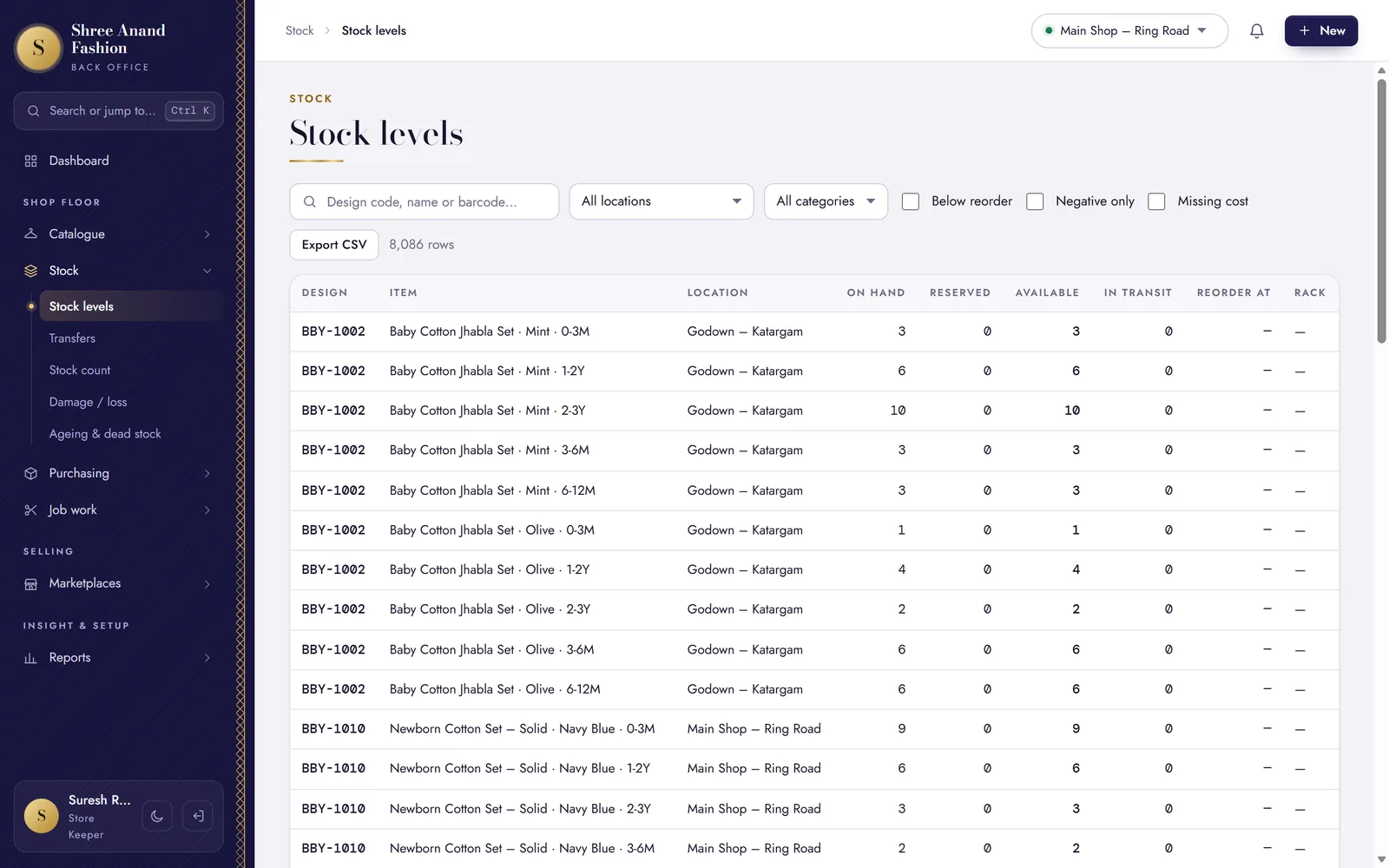
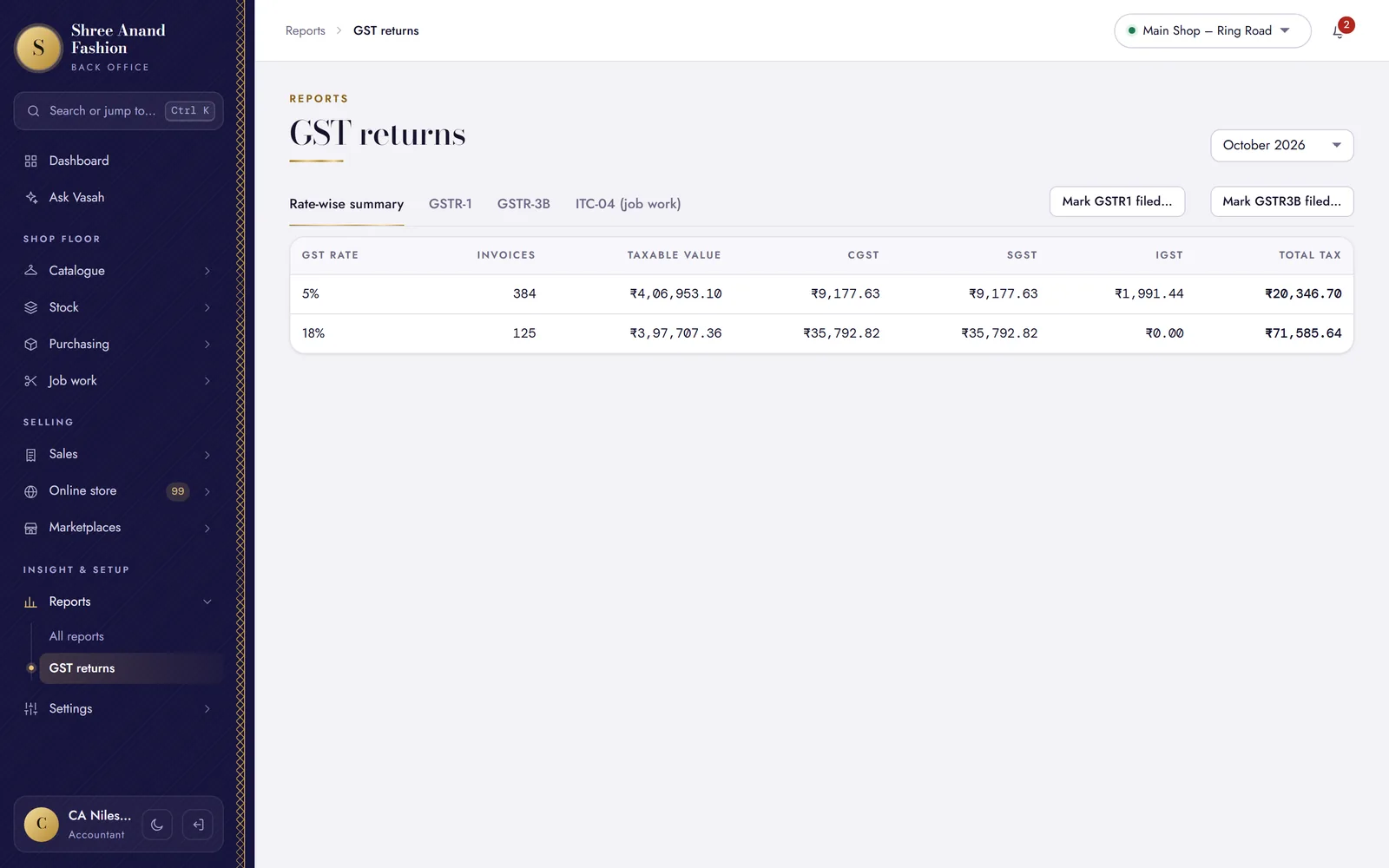
Make your first bill on VASAH today.
30 days free. No card needed. The counter comes with every plan.