
Marketplaces
Marketplace orders, from the same stock.
Sell on Amazon, Flipkart, Meesho and Myntra from the stock your counter and your website sell from. Amazon and Flipkart orders come in by themselves once you have seller API access; Meesho and Myntra are kept in step by hand, from the same screens.
On Standard and Pro
- AmazonLive with seller API accessNew orders in and stock out every two minutes — or record orders by hand.
- FlipkartLive with seller API accessNew orders in and stock out every two minutes — or record orders by hand.
- MeeshoBy handOrders recorded by hand; stock kept right from one sheet.
- MyntraBy handOrders recorded by hand; stock kept right from one sheet.
- Every 2 minutes
- Amazon and Flipkart: orders in, stock out
- 4 marketplaces
- In one list of orders
- 1 piece
- Held back for your counter, unless you change it
- TCS + TDS
- Read from every payout
How a marketplace order goes
From the listing to the payout, in four steps.
The same four steps on every marketplace; only the second one is quicker on Amazon and Flipkart.
List your designs
Map each size and colour to its marketplace SKU — design by design, or by importing the marketplace's SKU list.
Listed sizes24The order comes in
Amazon and Flipkart orders arrive on their own with their stock held. For Meesho and Myntra, record the order by scanning its pieces.
Stock held2Dispatch under their invoice
Mark the order dispatched with the marketplace's invoice number; the sale is recorded under that number.
DispatchedFK-INV-88213Reconcile the payout
Record what the marketplace paid — commission, fees, TCS and TDS. It has to add up before it is saved.
Settled₹37,913.40
Keeping it right
No piece sold twice.
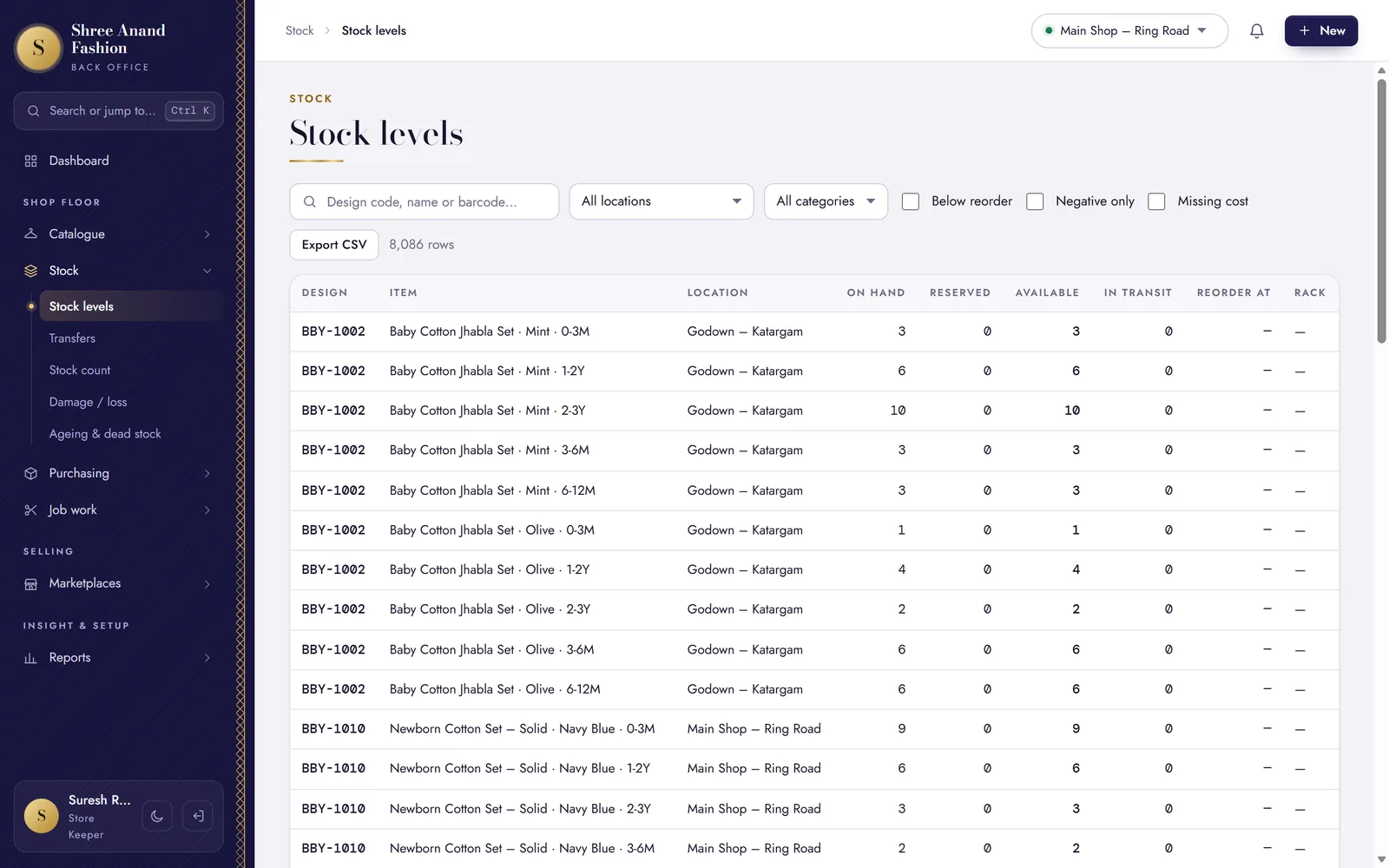
The marketplaces read the same count as your counter and your website.
One stock count, with a buffer
What a marketplace may sell is your free stock at the shipping location, minus the pieces you keep back for the counter.
Stock to update
For marketplaces kept by hand, one sheet lists every quantity that changed — download it, upload it there, mark it done.
Returns and RTO
A buyer's return, or a parcel that never got delivered, comes back into stock with the marketplace's credit note number.
Cancellations
A cancelled order lets its held stock go — by itself on Amazon and Flipkart.
GST, the marketplace way
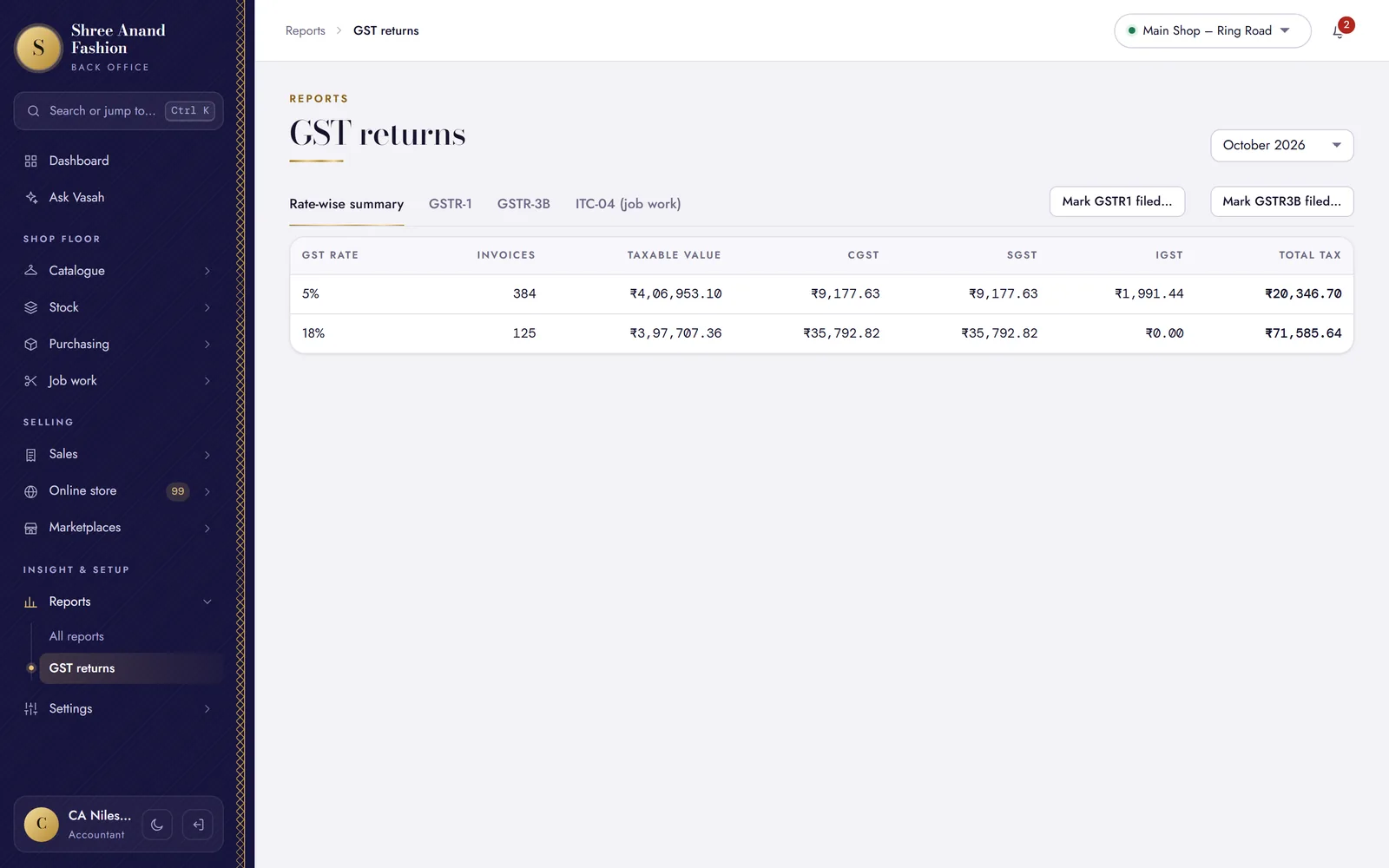
Marketplace sales go into GSTR-1 under the marketplace's GSTIN; the ship-to state decides CGST + SGST or IGST.
Into Tally
Payouts go to Tally with the rest of your books.
Amazon and Flipkart, live
Orders in, stock out, every two minutes.
Ask the marketplace for seller API access, then put the keys under Settings → Marketplaces and switch it to live. From then on, VASAH brings new orders in and holds their stock, lets go of cancelled ones, and sends your stock out — every two minutes.
- Until then, they work by hand like the others
- An order the sync cannot place is marked for your attention
- Amazon Business orders are listed for you to enter by hand
Orders fulfilled by Amazon (FBA) are not part of it.
Drawn for this page · sample times
Payouts
Every payout, down to the TCS.
Record each settlement as the marketplace reports it — order value, commission, fees, TCS and TDS, and what reached your bank. VASAH keeps what each marketplace still owes you.
- TCS by month, to claim on the GST portal
- TDS by quarter, for your income tax return
- A payout that does not add up is not saved
Drawn for this page · sample amounts
VASAH Academy
Learn the marketplaces, one task at a time.
Lessons from the online manager's and the accountant's paths.
Short lessons, one task each, in English, ગુજરાતી and हिन्दी — with the steps written out and the keys to press.
Visit VASAH Academy- Set up a marketplace in manual mode
- List designs and import a SKU map
- Record a marketplace order
- Mark dispatched with the marketplace invoice number
- Download the stock sheet and mark updated
- Record a return or RTO
- Reconcile a marketplace payout (commission, fees, TCS, TDS)
- Export marketplace payouts to Tally
Works with
The marketplaces share everything else.

Sell everywhere from one stock.
Standard and Pro include the marketplaces. 30 days free.