
Stock & buying
Every size and colour, counted in every place.
One catalogue of styles, sizes and colours — each piece with its own barcode, counted across your shops, your godown and your website. From the supplier's bill to the price tag, every piece carries what it really cost.
On every plan · up to 500 styles on Starter, 3,000 on Standard, no limit on Pro
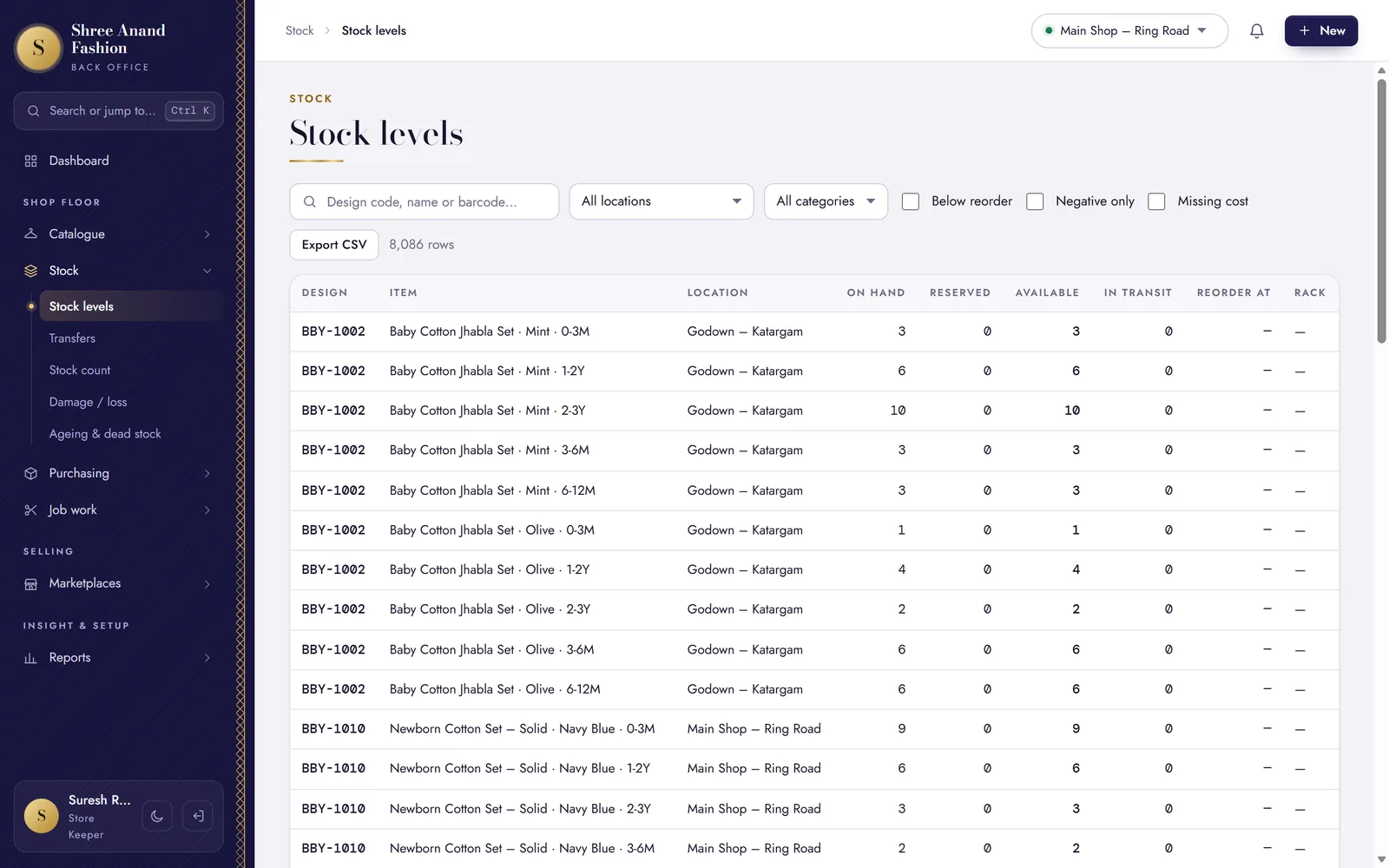
- Size × colour
- Each its own piece, with its own barcode
- 70×40 mm
- Legal Metrology tags from the catalogue
- Landed cost
- Freight spread into every piece
- Shops + godown
- One stock count, every location
How new stock comes in
From the supplier to the shelf, in four steps.
The same four steps for every parcel. Each happens on its own screen, by the person whose job it is.
Order from the supplier
Raise a purchase order and send it on WhatsApp. When the parcel comes, receive it against the order.
Ordered120 pcsReceived120 pcsEnter the bill, with freight
Type the supplier's bill — or scan the paper one — with its freight and charges. They are spread over the pieces as landed cost.
Rate₹420.00Freight share₹8.40Landed cost₹428.40Print the tags
Barcode labels or 70×40 mm Legal Metrology tags, for exactly the pieces received.
Labels to print120On the shelf, and on sale
The pieces are in stock at that location. The counter, the website and the marketplaces sell from the same count.
Main shop80 pcsGodown40 pcs
Catalogue and stock
Everything that happens to a piece before it is sold.
Each a screen of its own in the back office, each on the audit log.
Styles, sizes and colours
Add a style with its grid of sizes and colours; every variant gets its own barcode. Quick intake adds pieces fast from the floor.
Bring it in from Excel
Styles, opening stock, customers and suppliers from a spreadsheet — a dry run shows every problem before anything is saved.
Transfers between locations
Send stock from the godown to a shop on a challan; the other end receives it, piece by piece.
Stock counts
Count the shelves with a scanner, see what does not match, and post the difference once it is checked.
Damage and loss
Write off a damaged or lost piece with its reason; above your limit, a manager approves.
Ageing and dead stock
See what has sat too long, by age, and put it on a clearance offer while there is still a season.
Landed cost
Freight counted in, so your margins are true.
Type the freight, loading, insurance and other charges on the supplier's bill once. VASAH spreads them over the bill's pieces — by value, by quantity or by weight — so each piece carries its real cost into your margin reports.
- GST you cannot claim back becomes part of the cost
- The same supplier bill cannot be entered twice in a year
- Cost and margins stay hidden from cashiers and store keepers
Drawn for this page · one line of a purchase bill
Tags & labels
Price tags that carry the law.
Print barcode labels or 70×40 mm Legal Metrology tags straight from the catalogue — MRP inclusive of all taxes, the packer, the month and year of packing, and consumer care.
- Labels for one style, or for every piece on a purchase bill
- Printed on a label printer through the counter PC's print bridge
- Make your shop the packer on every style in one step (Settings → Business & GST)
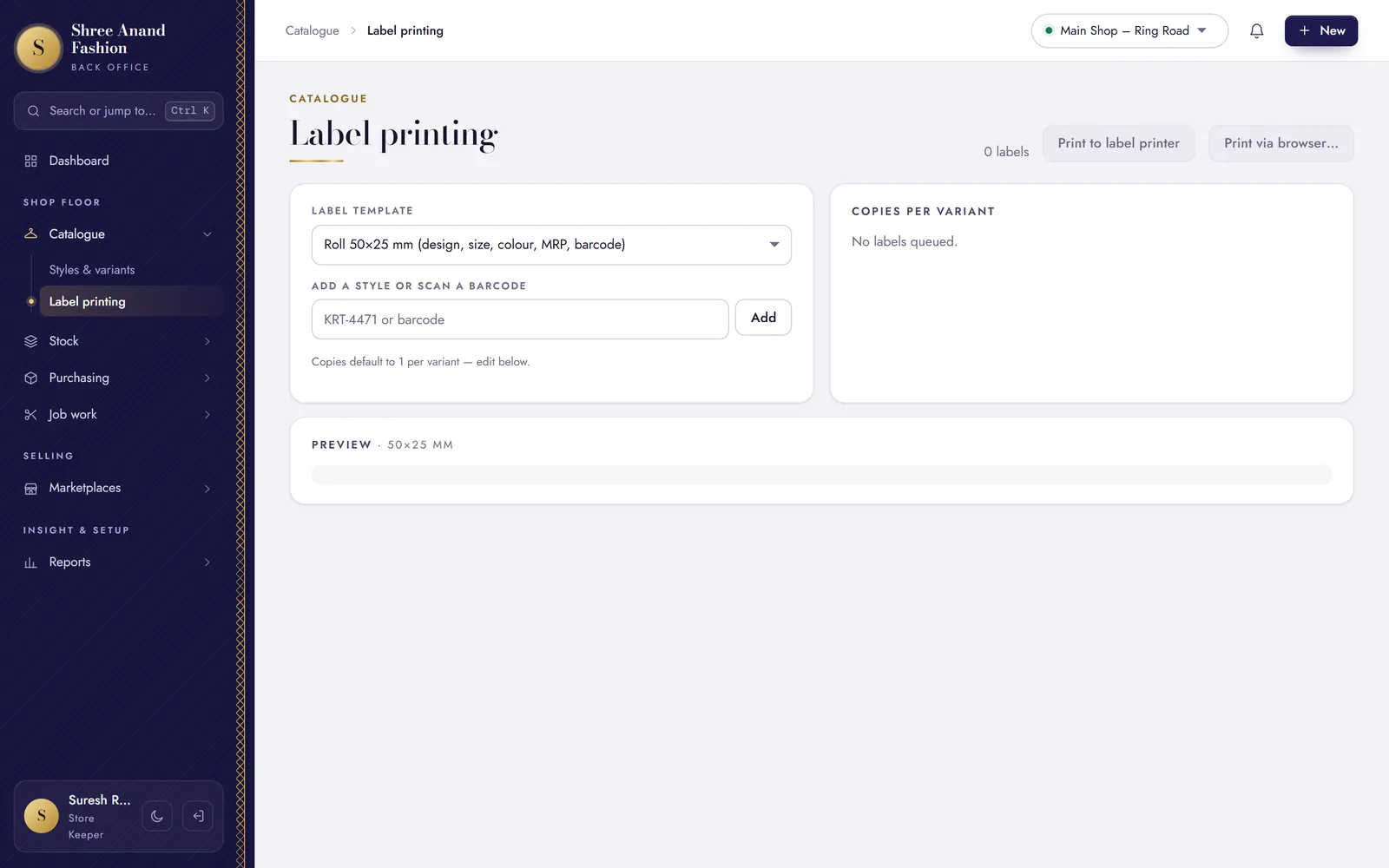
Label printing in the back office · sample shop on our test system
Karigar job work
Every piece out with a karigar, accounted for.
Send material or pieces for embroidery, stitching or finishing on a challan. Receive them back in part or in full, and pay the karigar against what came back.
- A challan for what goes out — and what is still out, with whom
- Part came back? Receive it; the rest stays open on the challan
- Karigar payments sit next to supplier payments
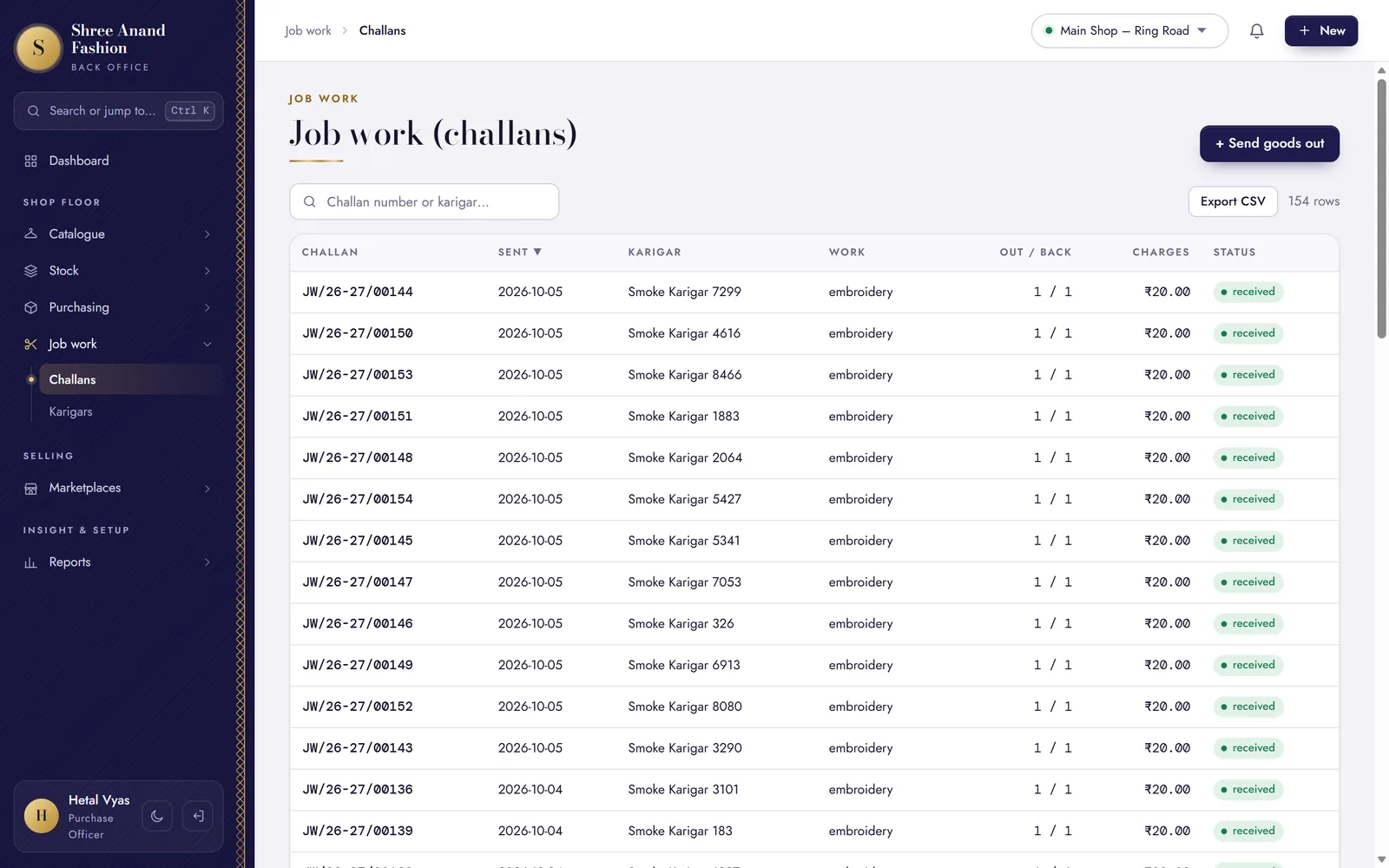
Job work challans in the back office · sample shop on our test system
VASAH Academy
Learn stock and buying, one task at a time.
Lessons from the store keeper's and the purchase officer's paths.
Short lessons, one task each, in English, ગુજરાતી and हिन्दी — with the steps written out and the keys to press.
Visit VASAH Academy- Add a style with sizes × colours (each variant gets a barcode)
- Import styles and opening stock from Excel (dry run, then commit)
- Print barcode labels for a style or a purchase bill
- Print the Legal Metrology tag 70×40 mm
- Raise a purchase order and send it on WhatsApp
- Enter a purchase bill with freight spread into landed cost
- Scan a paper bill from the counter scanner and attach it
- Send and receive a transfer between locations
- Run a stock count and post the variance
- Read ageing and dead stock
- Send material to a karigar on a challan
- Receive finished pieces back, partly or fully
Works with
Where the stock goes next.
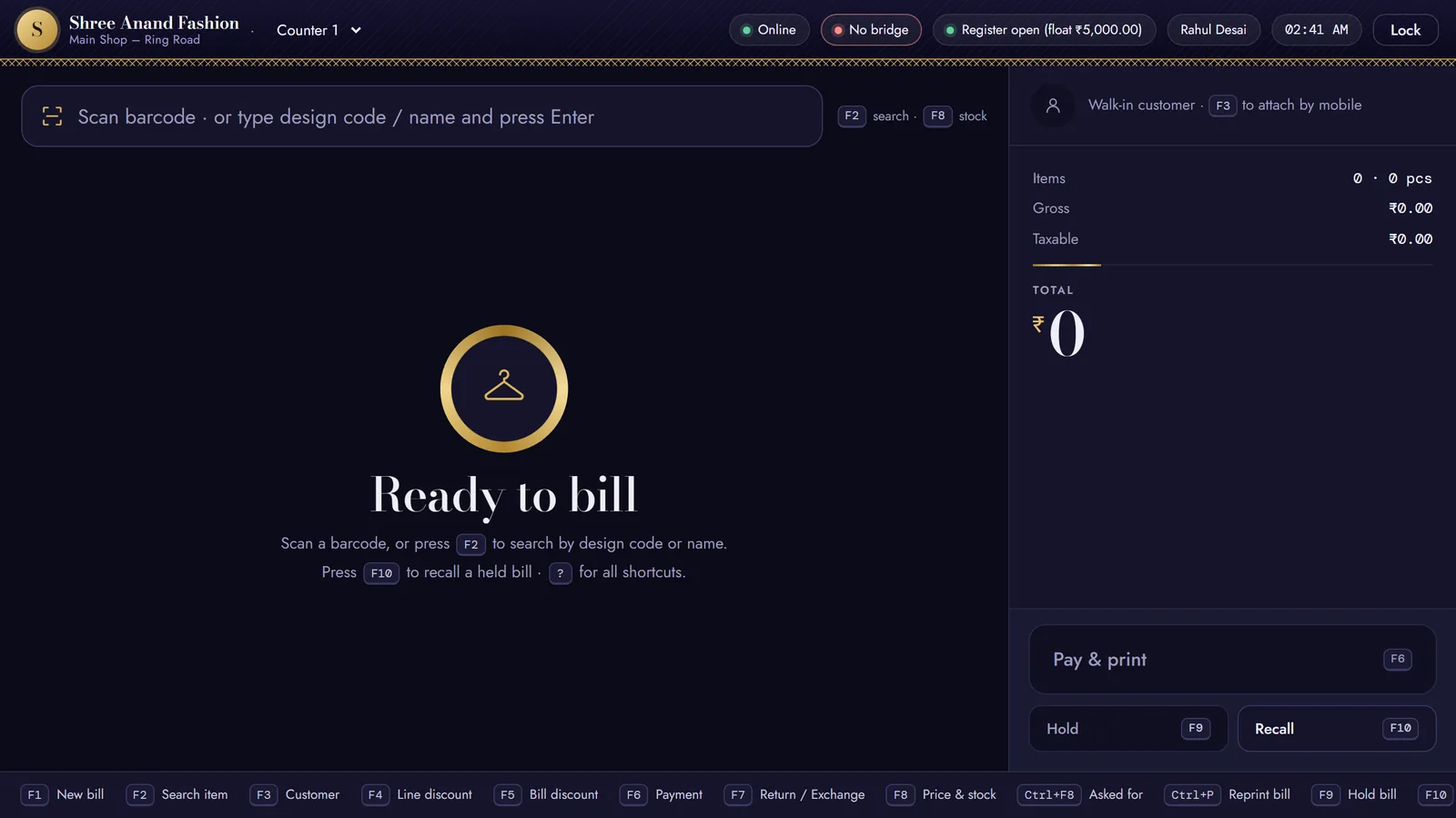

Bring your stock into VASAH this week.
30 days free. Start from an Excel sheet of your styles and opening stock.